

Control4 Smart Home Voice Control Setup Guide

A well-planned Control4 smart home voice control setup does more than turn lights on by command. It gives your home a natural second interface: a simple way to start a movie, set the temperature, secure the house, or prepare the patio without reaching for a wall keypad or sorting through disconnected apps. The difference is in the planning. Voice control should support the way your home already works, not become another device your family has to learn.
For a large residence, a second home, or a new build, that means designing voice control around rooms, routines, privacy expectations, and the systems you use every day. When it is professionally integrated into Control4, voice becomes a refined layer of control across lighting, entertainment, climate, shading, and selected security features.
Start With the Moments You Want to Simplify
The best voice-control plans begin with real-life moments rather than a list of products. Consider the sequence that happens when your family leaves in the morning, arrives after dark, begins dinner, hosts guests, or settles in for a film. These are the occasions where a single phrase can replace several actions.
For example, a "Goodnight" command might turn off common-area lighting, close motorized shades, lower the thermostat, arm approved security zones, and leave a gentle path light on toward the primary bedroom. A "Movie time" command can power on the theater, select the preferred source, lower lights, and set shades for viewing. The value is not that each device responds to voice. It is that the home responds as one coordinated environment.
This approach also keeps commands easy to remember. A household does not need dozens of clever phrases. A short set of clear, intuitive commands is more likely to be used by children, guests, and anyone caring for the home.
What a Control4 Voice Control Setup Can Manage
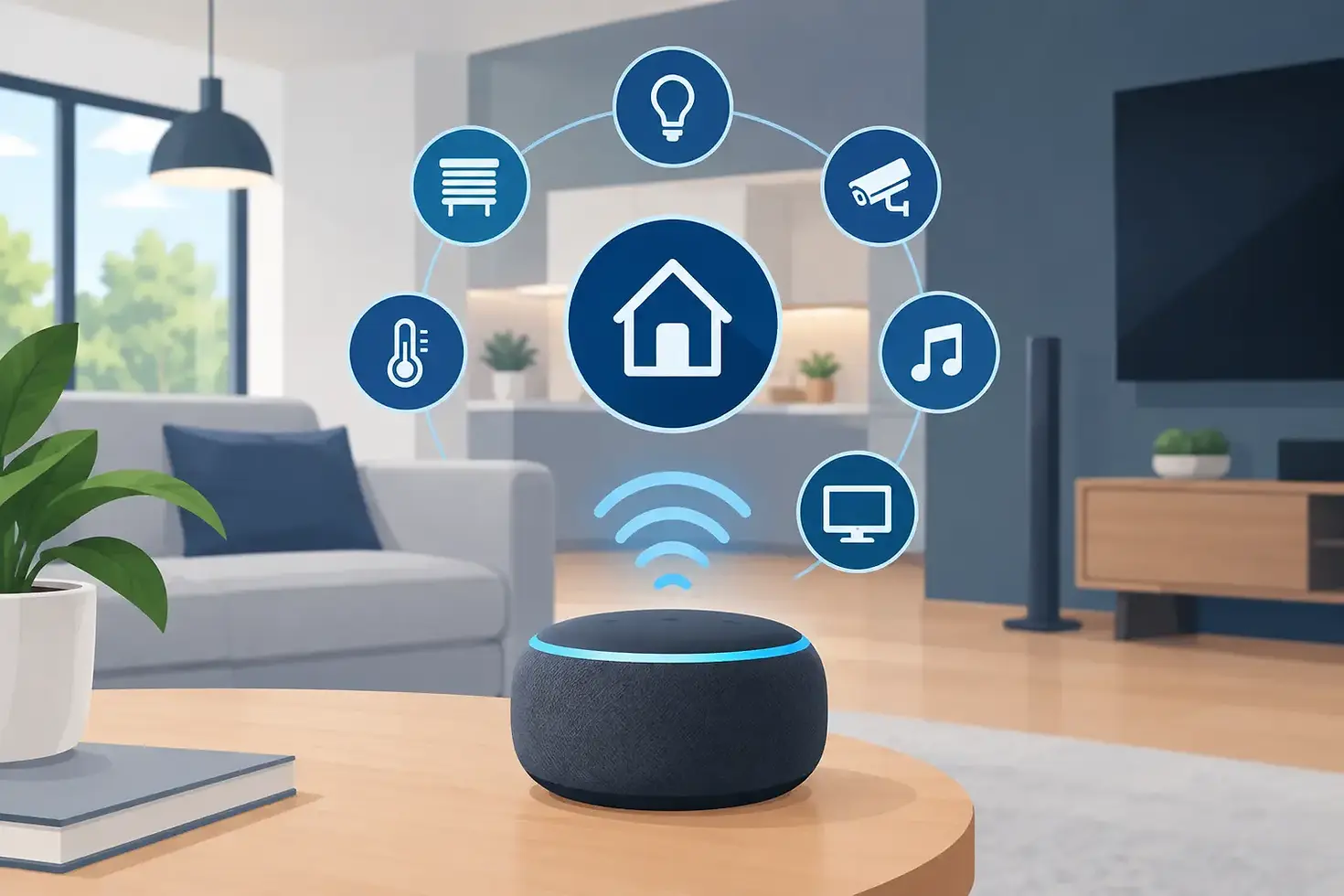
Control4 provides a unified platform for many of the systems that otherwise live in separate applications. Voice control can be configured to work with supported voice assistants and approved Control4 integrations, giving you a convenient spoken option alongside touchscreens, keypads, handheld remotes, and the Control4 app.
In a typical home, voice is especially useful for lighting, climate, distributed audio, televisions, and whole-home scenes. You might ask to dim kitchen lights, play a favorite playlist in the living room, pause audio in the backyard, or adjust the temperature in the primary suite.
Security deserves more care. Voice can be helpful for status checks, door-lock commands, and prepared arrival or departure scenes, but access should be designed around the home's security priorities. Some functions may require a code, confirmation, or use of a different Control4 interface. That is not a limitation to work around. It is a sensible safeguard for a system responsible for a high-value property and the people inside it.
Choose the Right Rooms and Voice Device Locations
Voice control works best when microphones are available where commands naturally occur. Kitchens, family rooms, primary bedrooms, home offices, theater entrances, and outdoor entertaining areas are common choices. A centrally placed device can cover an open-concept space well, while enclosed rooms usually benefit from their own voice-control point.
Placement matters as much as quantity. Keep devices away from loud speakers, HVAC supply vents, running water, and areas where television audio regularly competes with spoken commands. In a dedicated theater, for instance, a keypad or Control4 remote may remain the better primary control during a movie, while voice is useful before the show begins or after it ends.
Privacy should be part of this conversation early. Some homeowners prefer voice control only in shared spaces. Others want it in bedrooms and offices but not in guest rooms or private areas. A personalized design respects those preferences while ensuring key functions remain available through elegant wall keypads, touchscreens, or the Control4 app.
Do Not Treat Voice as the Only Control Method
Voice is fast, but it is not always the most practical option. A physical keypad is easier when a sleeping child is nearby. A touchscreen is better for reviewing camera feeds. A hand-held remote remains ideal for navigating a media interface. Reliable smart-home design provides the right control method for each circumstance instead of forcing every action through a voice assistant.
That flexibility matters during busy mornings, when guests are visiting, or if an internet connection has an interruption. A properly designed Control4 system keeps essential local controls clear and dependable, with voice adding convenience rather than creating dependence.
Build Scenes Before You Build Commands
Scenes are the foundation of a polished Control4 smart home voice control setup. Rather than programming a separate command for every light, television, shade, and thermostat, your integrator creates scenes that bring multiple systems together. Voice then activates those scenes with natural language.
Start with the routines that have the highest daily value. Common examples include Wake Up, Away, Welcome Home, Entertain, Dinner, Pool Evening, Bedtime, and Vacation. The exact names should match the language your household will actually use. If everyone says "We're leaving," a formal command name that nobody remembers is not helpful.
Scenes can also account for the character of each part of the home. An Entertain scene in a South Florida residence may illuminate landscape and pool areas, begin music across indoor and outdoor zones, and set the right temperature for guests. In a Colorado home, the same scene may include warmth, shade settings, and lighting that makes a winter evening feel inviting. The technology is the same. The experience should be personal.
Give Commands Clear Names and Boundaries
Natural-sounding commands are preferable, but they still need to be distinct. If there are multiple televisions, label them by room. If two areas have similar names, use terms everyone understands consistently. "Turn on the living room TV" is clearer than relying on a nickname that only one person in the household uses.
It is also wise to establish boundaries for scenes. A command such as "Goodnight" should do what the family expects every time. If it arms security, make that known. If it leaves a pet area illuminated, build that into the scene rather than asking someone to remember an extra step.
During programming, test commands using normal speaking volume and the phrasing family members are likely to choose. This is especially valuable in homes with open layouts, multiple languages or accents, and active entertainment spaces. Small refinements in naming and room assignments can make voice control feel consistently responsive rather than occasionally frustrating.
The Network Is Part of the Experience
A sophisticated automation system depends on a properly designed network. Voice assistants, streaming sources, wireless devices, cameras, mobile access, and Control4 controllers all rely on stable connectivity. An aging router or consumer-grade mesh system may be acceptable for casual web browsing, yet struggle when a home has dozens of connected devices operating at once.
Professional network planning considers coverage, wired connections, equipment placement, device segmentation, and remote service capability. The goal is not simply faster Wi-Fi. It is reliable communication between the systems that shape your daily experience.
For properties with guest houses, outdoor kitchens, detached garages, or extensive outdoor spaces, coverage planning is particularly important. A voice command is only useful if the device has a dependable connection and the controlled system responds promptly.
Plan for Privacy, Permissions, and Future Changes
Voice assistants collect and process spoken requests according to their own account and privacy settings. Before installation, decide who will manage the account, who can authorize purchases or access sensitive functions, and which household members should have permissions. Review those settings periodically, particularly after staff changes, a move, or a change in family routines.
Your Control4 programming should also be designed to evolve. A child’s room may later become a guest suite. A patio may gain audio, shades, or landscape lighting. A new theater source or security feature may be added after the initial installation. Professional integration makes it possible to expand without rebuilding the entire control experience from scratch.
This is one reason homeowners benefit from working with a certified integrator rather than attempting to connect products one by one. SmartHome-Techs can coordinate the system design, product compatibility, programming, testing, and ongoing support so each new addition fits the home instead of creating another app and another login.
Test the Home as It Will Actually Be Used
Final testing should happen beyond the equipment rack. Test commands from the kitchen while music is playing, from the patio during an evening gathering, and from bedrooms with doors closed. Confirm that each scene creates the intended lighting, comfort, and security conditions. Make sure every household member knows how to use the keypads, remotes, and app when voice is not the right choice.
A short orientation also goes a long way. Homeowners should know the handful of commands that create the most value, how to adjust a scene without disrupting its core purpose, and whom to contact when they want to add a room, device, or routine.
The right voice-control setup should fade into the background. When your home anticipates the routines that matter, a simple request can make the lighting, comfort, entertainment, and security around you feel personally arranged - because it is.
Comments