


Control4 Best Restaurant Automation Features

At 4:45 p.m., a restaurant should be preparing for guests, not hunting for lighting remotes, adjusting thermostats room by room, or asking whether the patio music is on. The control4 best restaurant automation features bring the environment, entertainment, comfort, and security of a venue into one purposeful operating experience. For restaurant owners and managers, that means less friction during service and more consistent hospitality at every location.
A professionally designed Control4 system is not about adding technology for its own sake. It is about giving staff a simple, dependable way to set the right mood, respond to changing conditions, and close the building with confidence. The best system reflects how a particular restaurant actually operates, from an intimate dining room with a wine bar to a high-volume patio concept with multiple zones.
Control4 Best Restaurant Automation Features That Matter
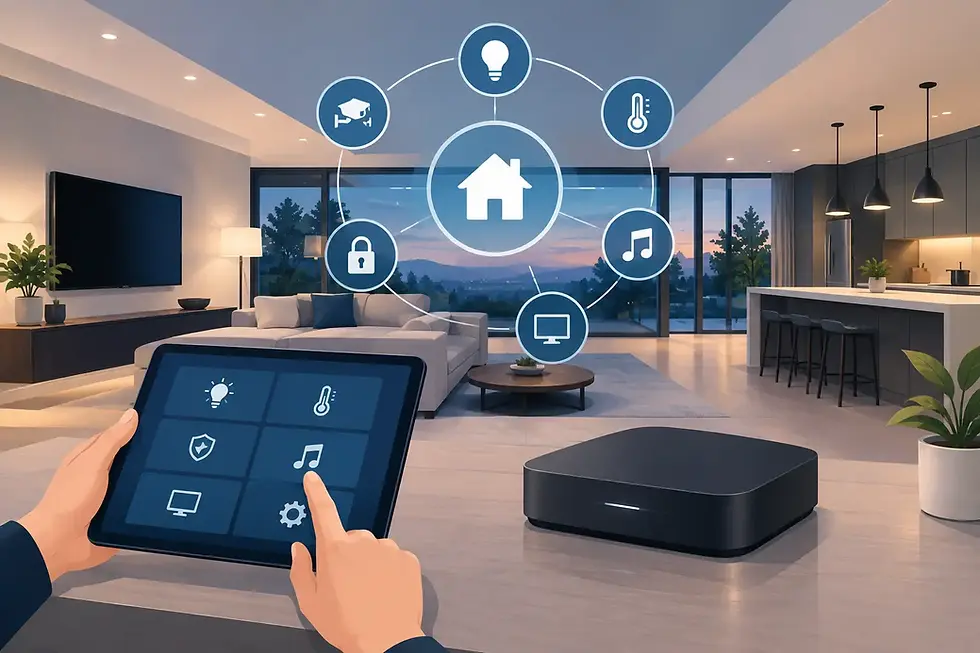
The most valuable features are the ones that remove repetitive decisions without removing human judgment. A manager should be able to adjust the experience when the dining room fills up, the weather changes, or a private event begins. Control4 centralizes those controls in a clean interface while allowing carefully planned automation to handle routine transitions.
Scene-based lighting for every service period
Lighting has a direct effect on how guests experience a space. It also tends to be one of the most difficult elements to manage consistently when a restaurant relies on wall dimmers, scattered switches, and staff memory.
With Control4, lighting scenes can be designed around real moments in the day. A “Morning Prep” scene can bring work areas to useful brightness while keeping guest-facing spaces restrained. “Lunch Service” can establish an energetic but comfortable setting. As daylight fades, “Dinner Ambience” can lower dining-room levels, accent architectural details, and illuminate pathways to restrooms, exits, and outdoor areas.
These scenes can be activated from a touchscreen, keypad, mobile device, or schedule. They can also account for a restaurant’s distinct zones: host stand, bar, dining room, private room, patio, corridors, and exterior signage. The result is a more polished environment without requiring every employee to understand a complex lighting layout.
There is a practical trade-off. Lighting automation needs thoughtful programming, especially in spaces where daylight varies dramatically or events frequently change the layout. The goal is not to lock staff into preset settings. It is to give them a strong starting point and easy, controlled adjustments when needed.
Zoned audio that supports the room, not competes with it
Music should feel intentional, whether guests are sitting near an open kitchen, at a quiet table, or on a lively patio. A multi-zone Control4 audio system allows each area to have appropriate source selection and volume control from one interface.
The bar may need a different playlist and volume than the main dining room. A private event space may require its own audio source. The patio may need lower levels during certain hours to respect nearby properties. With proper zone design, managers can make those changes without walking the venue, handling multiple apps, or relying on consumer-grade speakers that are difficult to manage at scale.
Control4 can also centralize control of compatible streaming sources, televisions, and distributed audio equipment. For sports bars and restaurant lounges, that can simplify the handoff between music, game-day programming, and event presentations. The exact capabilities depend on the selected equipment and content sources, but the operational advantage remains the same: fewer disconnected controls and a more consistent guest experience.
Climate control that follows occupancy and operating hours
Guests remember a room that is too hot, too cold, or humid, even if everything else about the meal is excellent. Climate control is equally important for staff working in demanding environments and for protecting sensitive equipment in offices, storage areas, or beverage rooms.
Control4 brings compatible thermostats into the same interface used for lighting and audio. Managers can establish schedules based on opening and closing hours, pre-condition guest areas before service, and make adjustments remotely when weather shifts. Different spaces can be managed independently, which is especially useful for patios, private rooms, bar areas, and dining rooms with varying sun exposure.
Automation can support efficiency, but it should be planned carefully. A restaurant with late-night service, frequent private events, or changing occupancy needs flexible schedules rather than rigid temperature rules. A professional integrator can build in easy overrides so the system supports operations instead of creating another obstacle for the team.
One-touch opening and closing routines
Opening and closing are high-risk moments for inconsistency. They involve lighting, music, displays, climate, doors, surveillance, and sometimes exterior areas. When those responsibilities live across several devices and apps, details can be missed.
A Control4 “Open” scene can bring on designated lights, set the appropriate audio zones, adjust temperatures, power up selected displays, and prepare the restaurant for guests. A “Close” scene can turn off nonessential lighting and AV equipment, lower shades where installed, confirm doors or access points are secure, arm compatible security components, and place the building into an after-hours setting.
This does not replace a manager’s closing checklist. It makes that checklist more reliable by consolidating key actions into one intentional command. Staff can still confirm kitchen procedures, cash handling, sanitation, and other operational requirements, while the building technology is managed in a consistent sequence.
Video, security, and remote awareness
Restaurant owners cannot be in every location at every moment. Integrated surveillance and remote access provide a practical view of what is happening after hours, during deliveries, or when an alarm notification requires attention.
Control4 can bring compatible cameras, security devices, lighting, and locks into a unified control environment. A manager may receive alerts, check a camera feed, turn on exterior lighting, or verify that a venue has been secured from an authorized remote device. For multi-location operators, this central visibility can be especially valuable.
Security design deserves careful consideration. Camera placement, access permissions, retention policies, network capacity, and privacy expectations all matter. The best design gives decision-makers useful awareness while limiting access to the people who genuinely need it. A professionally configured system also helps prevent the weak passwords, unreliable Wi-Fi connections, and disconnected devices that can undermine a security plan.
Managed displays and media for bar service and events
A wall of TVs can elevate a game day, but it can also create a familiar pre-service scramble. Which screen has the right game? Why is one display muted? Who has the remote for the projector in the private room?
Control4 can centralize control of compatible displays, video sources, and audio routing. Staff can select a source, turn displays on or off, and manage volume through a purpose-built interface rather than a collection of remotes. For venues with private dining or flexible event rooms, custom presets can prepare the space for a presentation, watch party, or branded event with a few guided actions.
The right approach depends on the restaurant’s business model. A fine-dining concept may need discreet control for a private room but no public displays. A sports bar may require more complex video distribution and carefully planned audio zones. System design should begin with the guest experience and operational workflow, not a generic equipment list.
Why Professional Design Makes the Difference
Restaurant automation succeeds when the infrastructure behind it is as considered as the user experience. Reliable networking, correctly sized power and audio systems, thoughtful keypad placement, and clean programming are not background details. They determine whether the system feels effortless during a packed dinner service or becomes another technology issue for staff to solve.
A certified Control4 integrator begins by understanding the venue: floor plan, service flow, daypart changes, patio conditions, private-event needs, staff roles, and future growth plans. The system can then be scaled appropriately, whether the immediate priority is lighting and audio control or a broader approach that includes climate, surveillance, access, video, and remote management.
For restaurants in South Florida and Colorado, environmental conditions can shape that planning. Bright sun, outdoor service, humidity, seasonal temperature swings, and regional operating patterns all influence lighting, climate, outdoor technology, and network requirements. The solution should be tailored to the site rather than copied from another market.
SmartHome-Techs designs Control4 commercial systems around this level of personalization, pairing professional installation with programming and continued support as a restaurant evolves. The aim is simple: technology that helps the space feel consistently well run, even when service is anything but simple.
A restaurant’s atmosphere is built through hundreds of small details. When lighting, music, comfort, media, and security respond together, staff can spend less time managing devices and more time creating the experience guests came back for.


Comments