

Control4 Scenes That Make Home Life Easier

A beautiful smart home should not require a different app for every room, device, and family member. Control4 Scenes replace that friction with a single command that sets the right lighting, comfort, entertainment, and security conditions for what happens next.
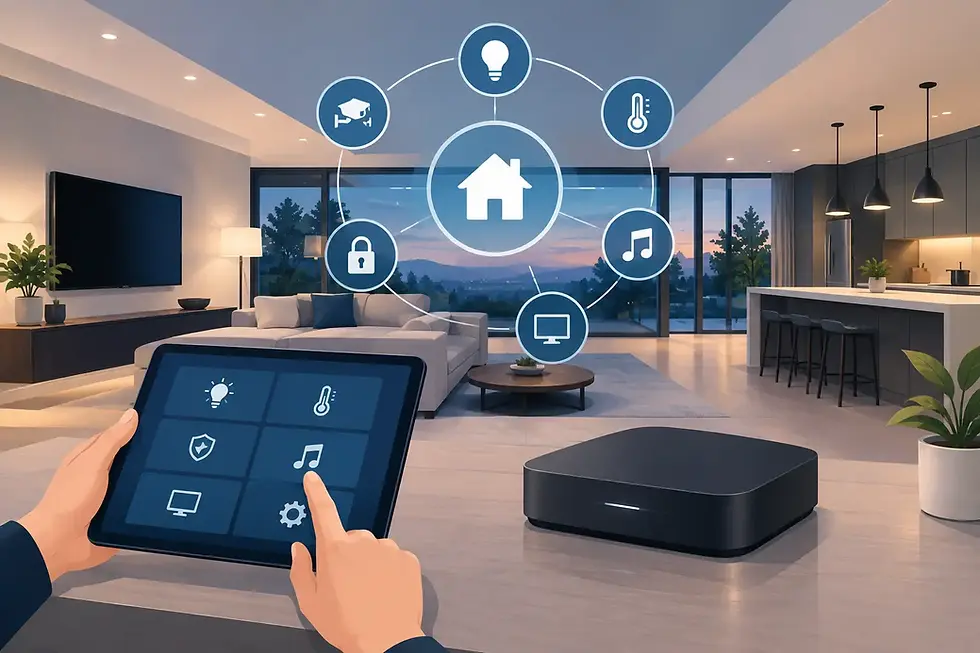
A scene is not simply a shortcut. It is a personalized response built around your routines, preferences, and property. Tap one button on a touchscreen, keypad, phone, or voice assistant, and your home carries out a coordinated series of actions. The experience feels simple because the programming behind it is intentional.

What Are Control4 Scenes?
Control4 scenes combine multiple devices and settings into one action. For example, rather than adjusting shades, dimming lights, selecting a music source, and changing the thermostat separately, an Evening scene can manage all of them at once.
The exact behavior is tailored to the home. A condo in Miami may prioritize glare control and cooling, while a home in Denver may use scenes to coordinate fireplaces, radiant heat, landscape lighting, and security across several levels. The goal is the same: make sophisticated technology feel natural to use.
Scenes can be activated manually, scheduled by time of day, triggered by a door lock or sensor, or tied to a broader automation. A professionally designed system also considers what should not happen. You may want the kitchen lights to remain on when someone is cooking, for instance, even after a Goodnight scene is selected elsewhere in the home.
Control4 Scenes for the Moments That Matter
Start the Day Without Starting a Checklist
A Wake Up scene can gradually raise bedroom shades, bring lights up to a comfortable level, adjust the thermostat, and begin a favorite news or music station in the kitchen. The setting should be calm and useful, not overly theatrical. For many households, that means different wake-up behavior on weekdays and weekends, with separate preferences for adults, children, and guest rooms.
Make Entertaining Feel Effortless
An Entertain scene can set the atmosphere before guests arrive: exterior and interior lighting shifts to the desired level, shades move for privacy, climate settings account for a fuller house, and music begins in selected rooms or outdoor areas. In a larger property, the system can keep private spaces out of the experience while making common areas feel connected.
This is where design-aware programming matters. Lighting levels, music zones, and shade positions should support the architecture and the occasion, rather than make the home feel like a showroom demonstration.
Turn Movie Night Into a Real Theater Experience
A Movie scene can lower theater lights, close blackout shades, power on the display or projector, select the correct source, and set surround sound to the right input. It can also pause or mute distributed audio elsewhere in the house so the theater has your full attention.
The trade-off is that a scene must account for how your equipment is actually used. A family room with a television, gaming console, cable box, and streaming services needs different programming from a dedicated theater. The best scenes eliminate confusion without restricting flexibility.
Leave Home With Confidence
An Away scene is one of the most practical uses of Control4. It can turn off selected lights and audio zones, adjust climate settings, confirm doors are locked, arm the security system where integrated, and close motorized shades. If a garage door is still open or a door remains unlocked, the interface can provide a clear prompt instead of leaving you to wonder after you have driven away.
Away scenes should be configured carefully for homes with pets, staff, frequent guests, or family members on different schedules. One household may need a full-house departure scene; another may need a partial setting that protects unoccupied areas while the rest of the property remains active.

Scenes, Schedules, and Automations Are Different
These terms are often used interchangeably, but they serve different roles. A scene is the coordinated outcome, such as Goodnight. A schedule tells that scene when to run, such as 10:30 p.m. on weeknights. An automation uses a condition or event, such as turning on a pathway light when a motion sensor detects movement after sunset.
The strongest Control4 systems combine all three without making the home unpredictable. A front-entry light that activates after dark is helpful. A whole-house lighting scene that changes unexpectedly while you are hosting dinner is not. Professional programming sets appropriate triggers, timing, overrides, and safeguards.
Why Professional Scene Design Makes a Difference
Prebuilt scenes can be useful starting points, but high-value homes and connected commercial spaces rarely operate in standard ways. Device compatibility, room use, daylight exposure, network reliability, security requirements, and the preferences of everyone using the system all shape the final design.
SmartHome-Techs plans scenes as part of the larger Control4 environment, so lighting, climate, entertainment, surveillance, and access control work together through one polished interface. Just as important, scenes can evolve. A renovated room, new landscape lighting, an added theater component, or a changing family routine should not require replacing the entire system.
The right first step is to identify the routines that create the most friction today. Whether it is getting out the door, winding down at night, protecting a second home, or welcoming customers into a business, that is where a well-programmed scene delivers its value every day.


Comments