


Control4 vs DIY Smart Homes: When Pros Make Sense

A smart home can start with a video doorbell and a few voice-controlled lights. Then the apps multiply, the Wi-Fi becomes crowded, and a simple request like “goodnight” requires several commands. The Control4 vs DIY smart home systems question is not about whether consumer devices are useful. It is about when a collection of devices should become one dependable, personalized system.
For many homeowners, DIY technology is an excellent entry point. For a larger home, a renovation, a custom build, or a property where security, entertainment, climate, and lighting must work together, professional automation often delivers a very different experience. The difference is less about owning more technology and more about having technology that behaves as one.
Control4 vs DIY Smart Home Systems: The Real Difference
DIY smart home systems are generally device-led. You choose a smart lock, thermostat, speaker, camera, or light switch, then connect each product to its own app, voice assistant, or consumer hub. This approach can be affordable, flexible, and satisfying for homeowners who enjoy researching compatibility, handling updates, and troubleshooting occasional issues.
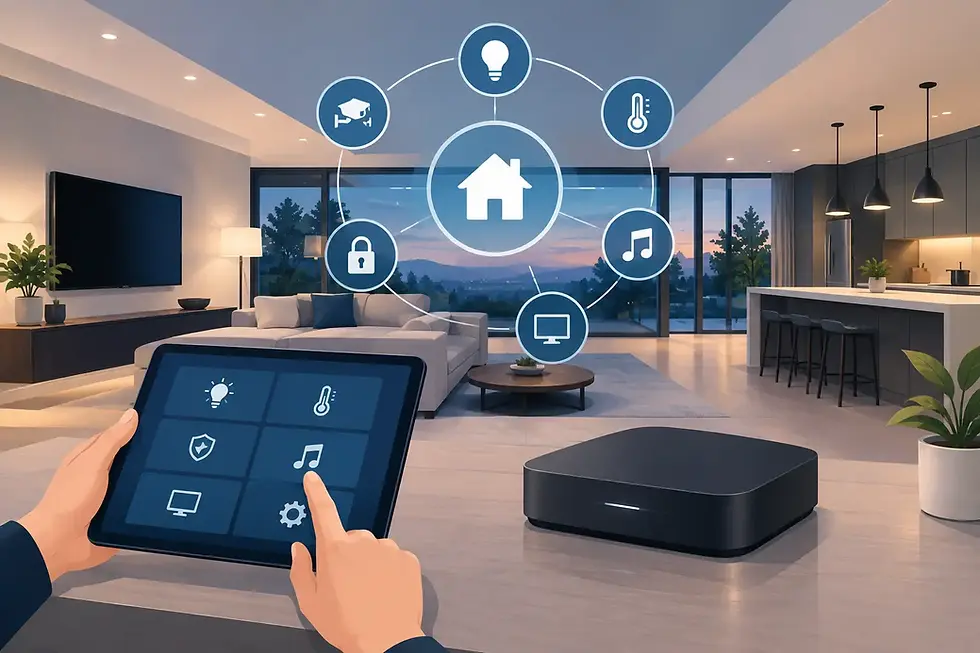
Control4 is system-led. A certified integrator designs the technology around the home and the people who use it. Lighting, shades, climate, audio, video, cameras, door locks, networking, and selected third-party products are brought into a unified interface. The result is a home that can respond to a single touch, voice command, schedule, or event rather than a series of separate instructions.
That distinction matters most when the home has more rooms, more users, more systems, and higher expectations. A DIY setup can automate a task. A professionally designed Control4 system can coordinate an environment.
When DIY Is the Right Choice
DIY is not a lesser choice by default. It can make practical sense for a condo, apartment, starter home, or a homeowner with a focused need. If the goal is to add a few smart lamps, monitor a front door, adjust one thermostat, or play music from a single room, consumer products can provide meaningful convenience without a major project.
It is also a fit for people who want to manage their own equipment. Some homeowners enjoy testing new devices, replacing products as preferences change, and building routines themselves. When a device disconnects or an update changes a setting, they are comfortable diagnosing the issue.
The trade-off is usually complexity over time. Individual products may work well on their own while still creating an inconsistent experience across the house. One app controls cameras, another handles lights, another manages music, and a voice assistant may recognize only part of the system. DIY technology can remain simple when the scope stays simple.
When Professional Automation Makes Sense
Professional automation becomes more compelling when the home must perform reliably as a whole. This is especially true in luxury properties, second homes, multi-level residences, estates, and new construction projects where infrastructure decisions are easier and more cost-effective before walls are finished.
You want one interface instead of a stack of apps
A Control4 interface can place the home’s primary systems in one familiar location: a touchscreen, handheld remote, wall keypad, mobile device, or voice control. That does not mean every product needs to come from one manufacturer. It means the experience is organized around how you live rather than around who made each device.
For example, arriving home can trigger an entry lighting scene, adjust the thermostat, disarm a selected security partition, and begin music in the kitchen. At night, one command can turn off entertainment zones, lower shades, lock doors, set lighting paths, and arm the home. These actions are designed intentionally, not assembled as disconnected routines.
Your home has meaningful entertainment demands
Whole-home audio, distributed video, dedicated theaters, outdoor entertainment areas, and multiple streaming sources are where fragmented systems can become frustrating. Families should not need a guide to determine which remote turns on the television, which app selects a source, or why one room has sound while another does not.
With professional design, the interface can be tailored to each room. A family room may prioritize streaming and surround sound, while a patio emphasizes weather-resistant speakers and simple volume control. A theater can be calibrated around picture, sound, lighting, and shades so the room is ready when the movie starts.
Reliability and network performance matter
Smart devices depend on the network, yet networking is often treated as an afterthought in DIY installations. Cameras, speakers, streaming video, smart appliances, mobile devices, work computers, and guest access can place serious demands on Wi-Fi coverage and network capacity.
A professional project considers the network as part of the automation foundation. Properly placed access points, managed equipment, structured wiring, equipment locations, and remote monitoring help support consistent performance. This planning is particularly valuable in concrete construction, large floor plans, outdoor spaces, and homes with detached buildings or challenging coverage areas.
Security needs to be coordinated, not merely connected
A doorbell camera that sends an alert is useful. A security experience that works with locks, gates, lighting, surveillance, and remote access is more capable. Professional automation can create practical responses to real events: illuminate an exterior path when motion is detected, display a gate camera on a touchscreen, or notify a homeowner if a door is left open after a scheduled time.
The goal is not to automate every security decision. It is to give homeowners clearer awareness and faster control without forcing them to move between multiple apps. For vacation properties and frequent travelers, remote access and properly configured notifications can provide welcome confidence.
You are building, renovating, or protecting a refined design
Technology should support the architecture, not compete with it. During a new build or renovation, an integrator can coordinate with builders, architects, interior designers, electricians, and landscape professionals before decisions become expensive to change. That may include planning keypad locations, discreet speaker placement, hidden equipment, wired access points, shade pockets, exterior audio, and conduit for future expansion.
This approach protects the visual character of the home while making everyday control easier. Instead of filling walls with mismatched switches and placing equipment wherever there is an available outlet, the system is considered as part of the overall design.
The Value of Professional Programming
Hardware alone does not create a polished smart home. Programming determines what happens when a button is pressed, when the sun sets, when the house is empty, or when a family member says “entertain.” It is the layer that turns devices into a personal experience.
Professional programming also accounts for the exceptions that make homes feel human. Perhaps the kids are sleeping, a guest is using the patio, the dog is at home, or the homeowners are away for the season. A thoughtful system can offer useful options without becoming complicated for daily use.
At SmartHome-Techs, the process includes discovery, system design, installation, programming, and continued support. That continuity matters because a home changes. New entertainment equipment, evolving security needs, additional rooms, and changing routines should not require starting over with a different platform.
Cost: Upfront Price Versus Long-Term Value
DIY systems usually cost less at the beginning because the homeowner purchases individual products and supplies the labor. For a limited project, that can be the right financial decision.
A professionally integrated Control4 system carries a higher initial investment because it includes planning, equipment, installation, programming, and support. The value is found in reduced friction, stronger infrastructure, a more consistent user experience, and a system designed to expand. It can also prevent the expensive cycle of replacing incompatible devices after a renovation is complete.
The right comparison is not one smart bulb against one keypad. It is the cost of managing a growing collection of consumer devices versus investing in a coordinated home technology foundation. For a high-value property, dependable control and thoughtful design can be as relevant as the equipment itself.
A Simple Decision Framework
DIY is likely sufficient if your needs are limited, you are comfortable maintaining technology, and a few separate apps do not bother you. Professional automation deserves serious consideration if you want multiple systems to work together, depend on reliable performance, value a clean design, or need support after installation.
It also depends on the project timeline. A homeowner can add professional automation to an existing residence, but new construction and major renovations offer the ideal opportunity to plan wiring, equipment locations, and controls before finishes are in place.
The best smart home is not the one with the most devices. It is the one that feels natural every day, responds when it should, and leaves the technology in the background while your home feels more comfortable, secure, and distinctly yours.


Comments