


A Video Distribution System for Home That Works

A well-planned video distribution system for home changes the way a property feels. Instead of placing a cable box, streaming device, and tangle of wires behind every television, your favorite entertainment sources live in one organized equipment location and appear where you want them - the kitchen, primary suite, family room, patio, guest house, or dedicated theater. The experience at each display stays simple: select a source, press play, and enjoy.
For larger homes, second residences, and design-conscious renovations, that simplicity is not a luxury detail. It is the result of careful infrastructure planning, professional programming, and a network built to support how your household actually watches.
What a Video Distribution System for Home Does
A video distribution system sends video and audio from central sources to multiple displays throughout the property. Those sources may include cable or satellite receivers, Apple TV or other streaming players, media servers, Blu-ray players, gaming consoles, security camera feeds, and a dedicated theater source.
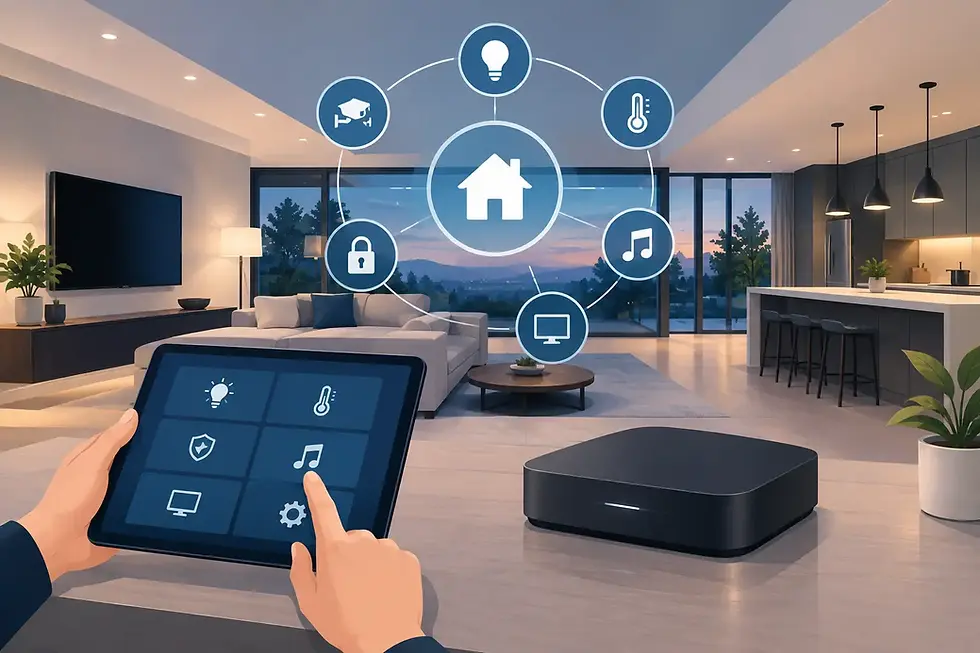
At the center of the system is an equipment rack, typically located in a conditioned utility room, closet, or AV space. Video switching and distribution hardware routes the selected source to each television. Control4 brings the experience together with a consistent interface on touchscreens, remotes, mobile devices, or wall-mounted keypads.
The practical benefit is fewer visible components and fewer separate interfaces. A television in the kitchen can access the same approved sources as the family room without adding another stack of equipment to the counter or cabinetry. In a primary bedroom, a single remote can turn on the display, choose a favorite streaming service, lower the shades, and set the lights for evening viewing.
This does not mean every room must show the same thing. Modern systems can deliver independent content to different displays at the same time. One person can watch a game outdoors while another streams a movie in the theater and children use a media room upstairs.
Why Centralized Video Feels Different
The strongest systems solve problems homeowners often accept as unavoidable. A remote disappears, a streaming device loses its connection, one television is easy to operate while another requires three remotes, and a room designed with clean lines ends up with exposed electronics. Those frustrations multiply as a property grows.
Centralized video gives the home a consistent operating language. The controls work similarly from room to room, and equipment remains accessible for service without disturbing finished spaces. It also creates a more refined visual result. TVs can sit flush to a wall, disappear behind art or custom cabinetry, or become part of an outdoor entertaining area without a visible collection of source devices beneath them.
There is also a reliability advantage when the system is designed correctly. Professional-grade components, proper ventilation, power conditioning, labeled wiring, and managed networking all reduce the small failures that interrupt entertainment. Remote device management can often identify or resolve a source issue without a service visit.
The Foundation Is Wiring and Network Design
A beautiful television installation is only as dependable as the infrastructure behind it. Video distribution places real demands on cabling and network performance, especially when the home includes 4K content, high-frame-rate sports, HDR formats, surround sound, and multiple simultaneous streams.
For new construction, structured wiring should be planned before drywall. This gives the system room to grow and avoids expensive wall opening later. A professional integrator can run the appropriate category cable, fiber, HDMI where it is truly needed, speaker wire, control cable, and conduit to strategic locations. Conduit matters because technology changes. It provides a practical path for future cable upgrades rather than treating the original installation as permanent.
Existing homes can also benefit from centralized video, but the design may be more selective. Depending on construction and access, a combination of discreet wire paths, network-based video distribution, and carefully located source equipment may be the right answer. The goal is not to force the same architecture into every property. It is to create the cleanest, most reliable result the home can support.
The network deserves equal attention. Streaming video relies on stable wired connections, properly placed wireless access points, managed switches, and thoughtful segmentation of smart-home devices. A consumer router may be adequate for a small apartment, but it is rarely the right foundation for a high-value home with multiple displays, surveillance cameras, audio zones, and automation systems working at once.
Choosing the Right Approach for Each Room
Not every display needs the same capability. A theater, for example, may require the highest possible picture and audio performance, including a dedicated AVR or processor, premium speakers, and direct connections that prioritize uncompromised formats. A patio television has different needs: weather protection, glare management, outdoor-rated hardware, and controls that remain easy to use while entertaining.
A family room often benefits from fast, uncomplicated access to everyday sources. A guest bedroom may need only a small selection of streaming options and local TV. Kitchens and exercise rooms usually call for simple control and a display that blends into the room rather than becoming its focal point.
During the design phase, it helps to decide which of these viewing experiences matter most:
Independent sources in every room versus a smaller shared source library
Dedicated theater performance versus flexible media-room viewing
Indoor-only entertainment versus televisions and audio across outdoor living spaces
Visible source devices at each TV versus a centralized rack and cleaner rooms
Basic streaming access versus integration with lighting, shades, security, and whole-home audio
These choices affect equipment, wiring, and budget. They also prevent a common disappointment: installing a premium television first, then discovering that the desired source, sound, control, or cable path was never planned for.
Picture Quality Has Real Trade-Offs
“4K” is not a complete system specification. Video formats include resolution, refresh rate, color depth, HDR compatibility, copy protection requirements, and audio return capabilities. A system should be designed around the sources and displays you expect to use, not a vague promise that it supports high-definition video.
For many households, reliable 4K HDR distribution with high-quality audio is the ideal balance. For gamers or sports enthusiasts, higher refresh rates and low latency may be essential in select rooms. For a cinema room, preserving the performance of a premium source and projector may take priority over distributing that same source across the entire home.
The right design can mix approaches. A centralized platform can manage everyday televisions while a theater retains dedicated components for the best possible experience. This keeps performance where it matters without overspending on capabilities a guest room or casual outdoor display will never use.
Control Should Be Simple Enough for Everyone
Technology should not make guests ask for instructions before they can watch television. With Control4, a thoughtfully programmed interface can present favorite sources, stations, and room-specific options without exposing the complexity underneath. A “Watch TV” button can power the appropriate equipment, set the display input, and bring up the correct controls. A “Goodnight” scene can turn off televisions across the home while lowering lights and securing selected entry points.
The quality of programming is as important as the hardware. A system should reflect the household’s routines, source preferences, and comfort level. Some clients want a refined handheld remote in every room. Others prefer touchscreens, mobile access, voice control, or a combination. The best interface is the one people use confidently every day.
SmartHome-Techs designs these experiences around the property and the people who live there, coordinating video, audio, networking, lighting, climate, and security as one intelligent environment rather than a collection of separate products.
Plan for Service, Upgrades, and Changing Habits
Entertainment technology changes faster than architecture. Streaming services evolve, televisions improve, gaming consoles add features, and a family’s use of rooms shifts over time. A professionally designed system anticipates that reality.
Central equipment should be documented, ventilated, labeled, and accessible. The design should allow sources to be replaced without rebuilding every television connection. Managed networking and remote support add another layer of confidence, particularly for seasonal residences or homeowners who travel frequently between South Florida and Colorado.
It is equally valuable to plan capacity before it is urgently needed. Leave rack space for future components, provide electrical headroom, and consider spare cable pathways to likely display locations. Those details are rarely visible after the project is complete, yet they protect the investment and make later improvements far less disruptive.
A home should not make entertainment harder as it becomes more sophisticated. When video is planned as part of the larger smart-home design, every screen can feel intentional, every room can remain visually composed, and the technology can stay ready for the next way your family chooses to gather.


Comments